
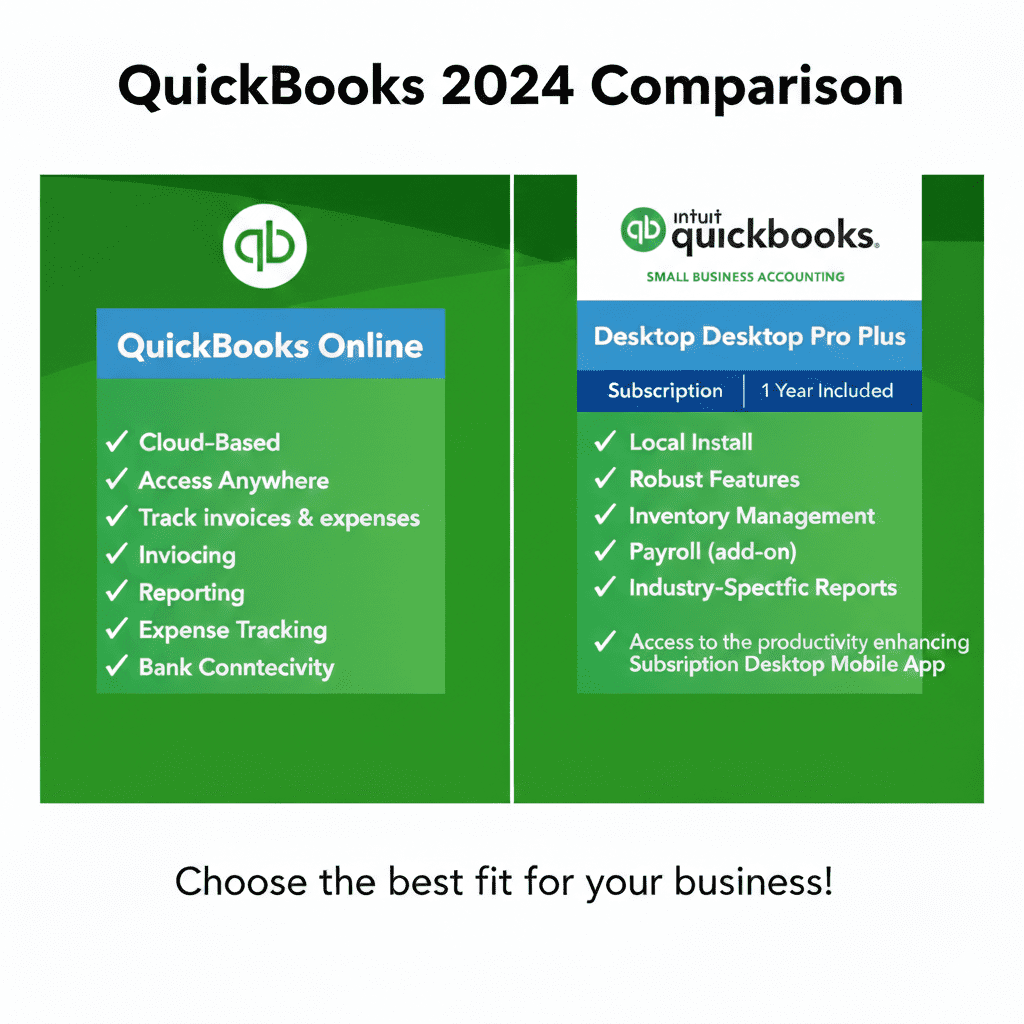
Choosing the right accounting software can change how smoothly your business runs. Two of the most talked-about options are QuickBooks Desktop 2024 and QuickBooks Online. But which one really fits your needs?
In this honest, down-to-earth comparison, we’ll look at how these two products differ in features, pricing, usability, support, and what type of business each one suits best. By the end, you’ll clearly see which one is the right solution for your business.
📌 QuickBooks Desktop 2024 — What It Is
QuickBooks Desktop 2024 is installed directly on your computer. It’s a traditional accounting solution known for powerful features and reliability, especially when dealing with complex bookkeeping tasks. Many accountants still recommend it because it’s fast and doesn’t rely on the internet.
This version is perfect for business owners who want strong reporting tools and full control over their data, with no subscription apps in the cloud.
☁️ QuickBooks Online — What It Is
QuickBooks Online is a cloud-based version, which means you can access it from any device with an internet connection — laptop, phone, or tablet.
Because it’s online, QuickBooks manages updates automatically and no installation is needed. It’s simple, always backed up in the cloud, and ideal for business owners who want flexibility and remote access.
🧠 Feature Comparison: Desktop vs Online
Here’s a clear breakdown of how they compare in the main areas business owners care about:
1. Access & Flexibility
- QuickBooks Desktop 2024: Works only on the computer it’s installed on (unless you pay extra for remote access).
- QuickBooks Online: Access from anywhere — your office, home, or on the go.
👉 Best for flexibility: QuickBooks Online
2. Ease of Use
- QuickBooks Desktop 2024: Powerful but takes a little time to learn.
- QuickBooks Online: Intuitive interface that’s easier for beginners.
👉 Best for beginners: QuickBooks Online
3. Features & Reporting
- QuickBooks Desktop 2024: Offers deeper reporting, stronger inventory control, and advanced job costing tools.
- QuickBooks Online: Great for basic bookkeeping and financial management, but reporting and inventory are simpler.
👉 Best for advanced accounting: QuickBooks Desktop 2024
4. Updates & Maintenance
- QuickBooks Desktop 2024: You install updates manually (or via subscription support).
- QuickBooks Online: Updates automatically with new features and security improvements.
👉 Best for hassle-free updates: QuickBooks Online
5. Pricing
QuickBooks Desktop is typically purchased as a one-time license or annual subscription. QuickBooks Online is a monthly subscription with different tiers.
- If you want predictable monthly pricing with automatic updates, the online version can be more appealing.
- If you prefer to buy once and own it long-term, Desktop may save money .
👉 Best overall value: Depends on how you want to pay
📊 Who Should Choose QuickBooks Desktop 2024?
You’ll likely prefer QuickBooks Desktop if:
- Your business needs deep reporting and accounting control
- You manage inventory or manufacturing jobs
- You prefer your data stored locally
- You work with an accountant who likes Desktop tools
Desktop is especially suited for businesses where detailed financial insights matter more than remote access.
☁️ Who Should Choose QuickBooks Online?
Choose Online if:
- You want access from anywhere
- You work with a remote team or accountant
- You need a system that updates automatically
- You prefer a cleaner, simpler interface
Online is a great fit for freelancers, service-based businesses, and companies that value mobility and simplicity above all.
👥 Real World Perspective
Many business owners choose QuickBooks Online because it’s easy and flexible. But accountants often recommend QuickBooks Desktop 2024 when the company’s financial reporting needs are more advanced.
Neither option is strictly “better” — it really comes down to how your business operates and what you value most.
🏁 Final Recommendation
✅ Choose QuickBooks Desktop 2024 if:
- You want powerful accounting features
- You manage inventory or complex books
- You work primarily from one location
✅ Choose QuickBooks Online if:
- You need access from different devices
- You share your books with a remote team or accountant
- You want automatic updates and online backups